
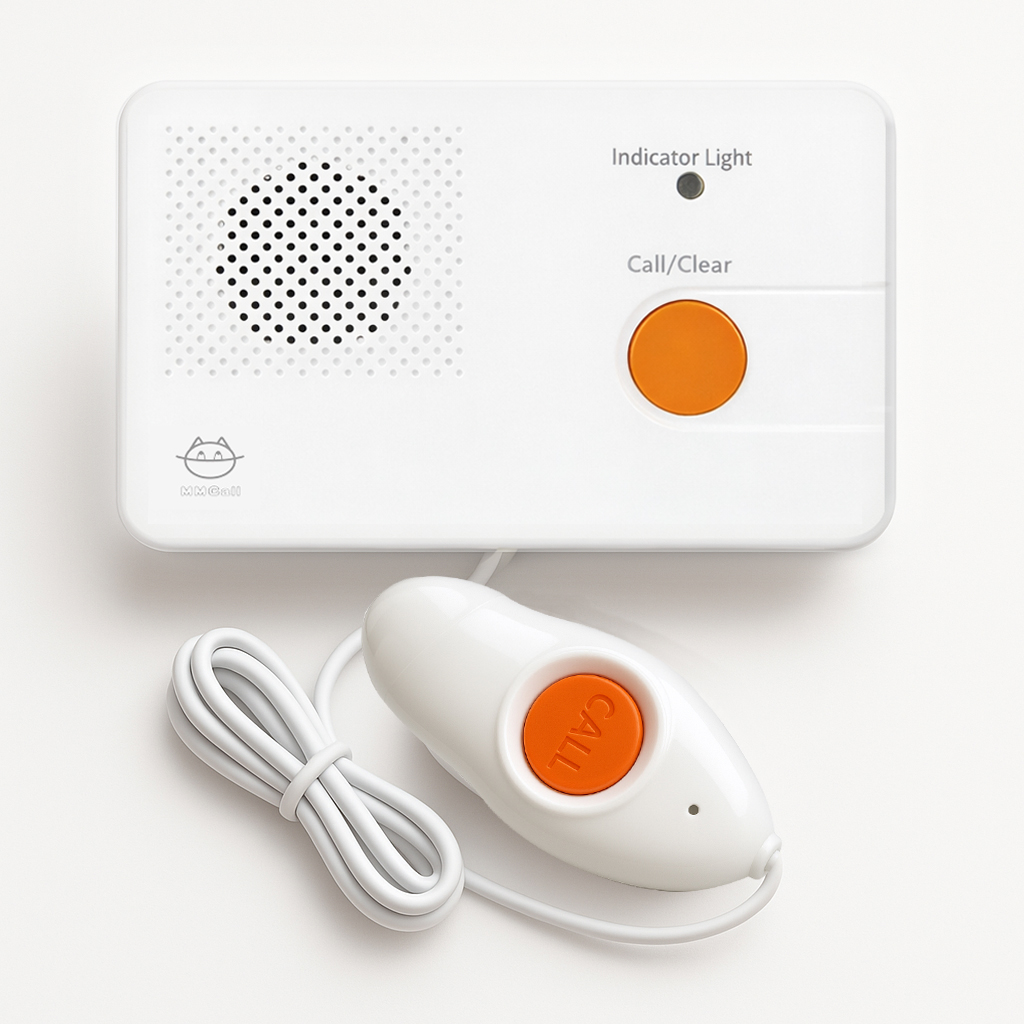
Wired Nurse Intercom
Wired Intercom Extension for Patient Nurse Call
The MMCall HT-100 Wired Intercom Extension enables full-duplex, real-time voice communication between a patient location and a compatible nurse station host. Patients can press CALL to request assistance, and nursing staff can answer through the station system. Staff can also initiate a call to a selected extension. Indicator lights show calling and connection states, helping users understand the current status. This unit is intended for wired hospital or nursing facility communication systems and must be installed with compatible host equipment and power connections.
PRODUCT OVERVIEW
Wired Intercom Extension for Patient Nurse Call
1. Intercom-to-Host Call
Press and release the CALL button on the intercom panel or handset. The indicator turns red and the host phone rings. Pick up the phone to answer; the indicator turns green, and two-way communication begins.
When multiple intercoms call simultaneously, you can answer them one by one by picking up the phone or select a specific intercom number through the software.
2. Host-to-Intercom Call
Pick up the phone and dial the desired intercom number. The indicator changes from red to green, and two-way communication begins.
3. Changing an Intercom Number
Open Intercom Number Settings in the software and press the CALL button on the corresponding intercom. When the indicator changes from red to blue, you can modify the intercom number in the software.
4. Red Indicator ON + Ringing
The intercom call has been successfully placed.
5. Red Indicator ON (No Ringing)
The main line is busy.
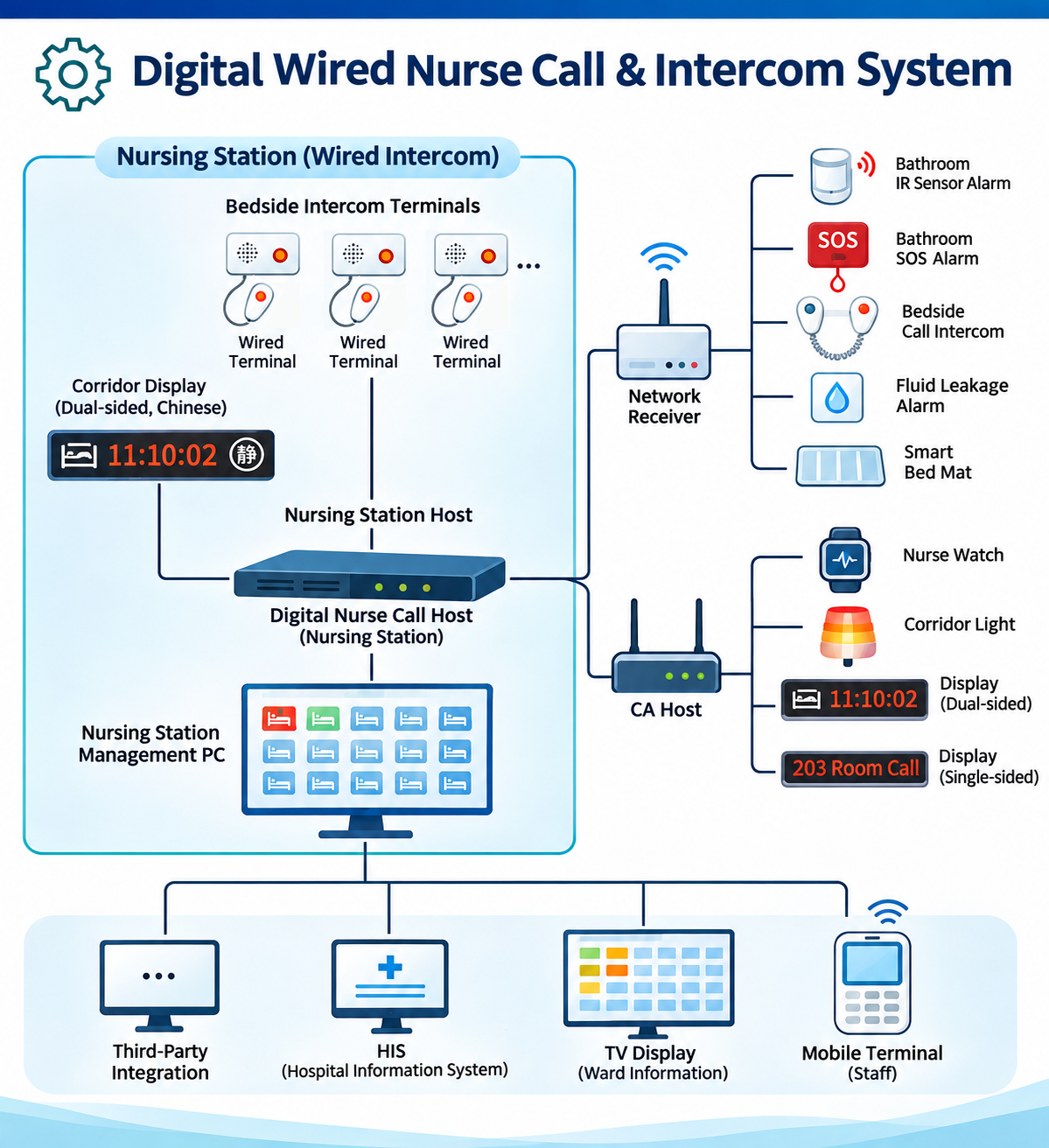
THE DETAILS
Specifications & Compatibility
- Model
- HT-100
- Dimension
- 145x89x15mm
- Power Supply
- 20V±1V
- Weight
- 96g
MAKE IT YOURS
Discuss Your Configuration
KEEP EXPLORING