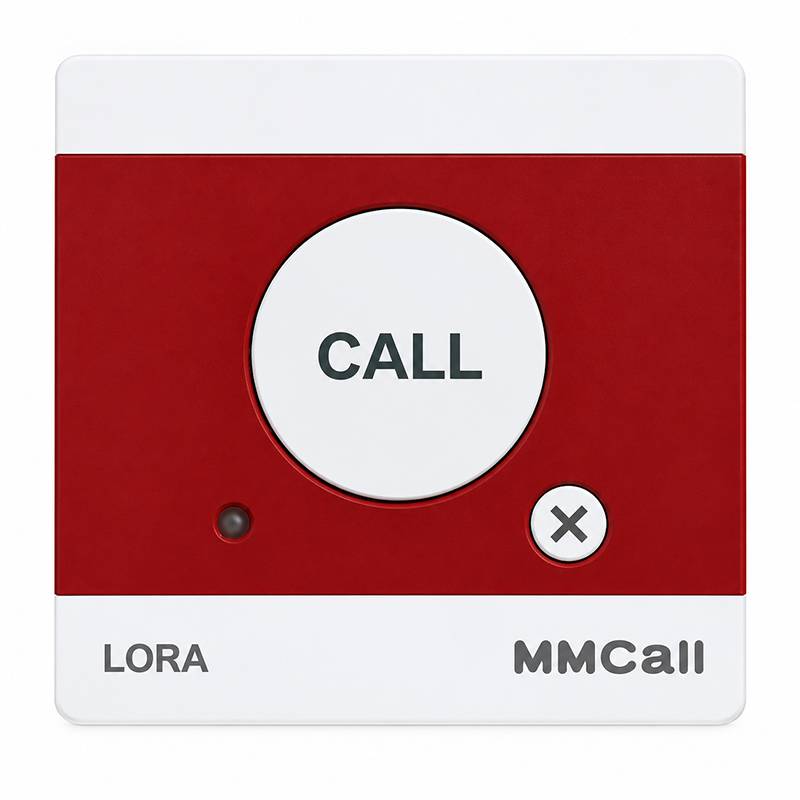
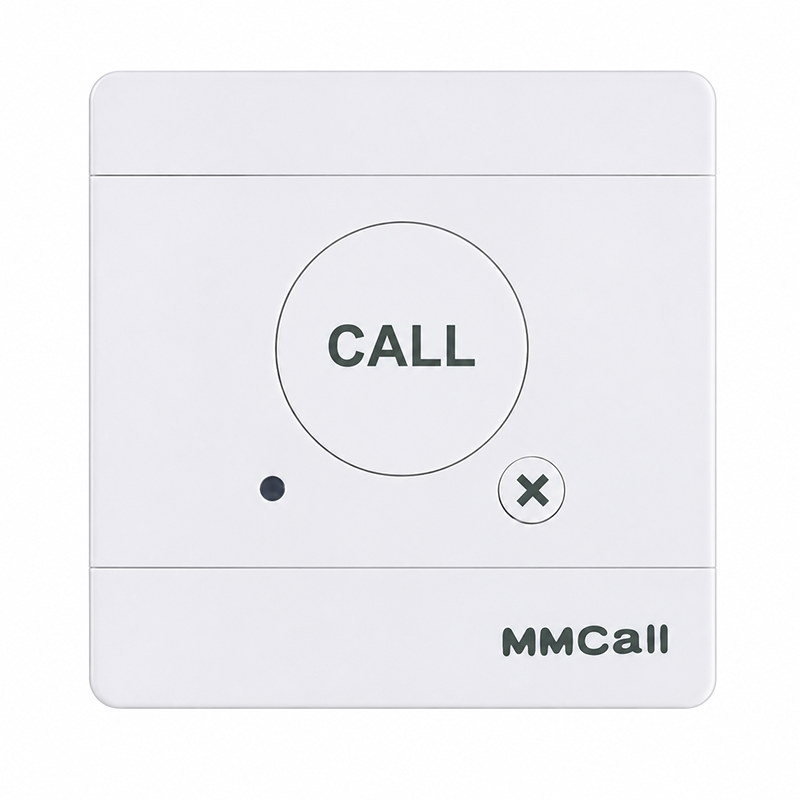
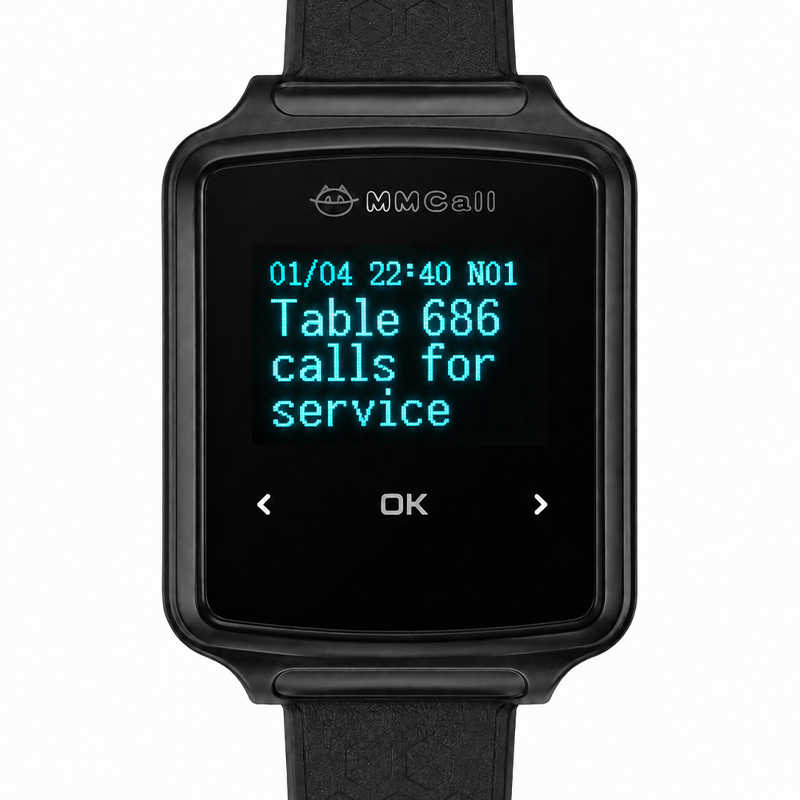
MMCall cloud calling solutions can include additional notification and management functions depending on the selected devices and software.
01. Remote Emergency Call Notifications
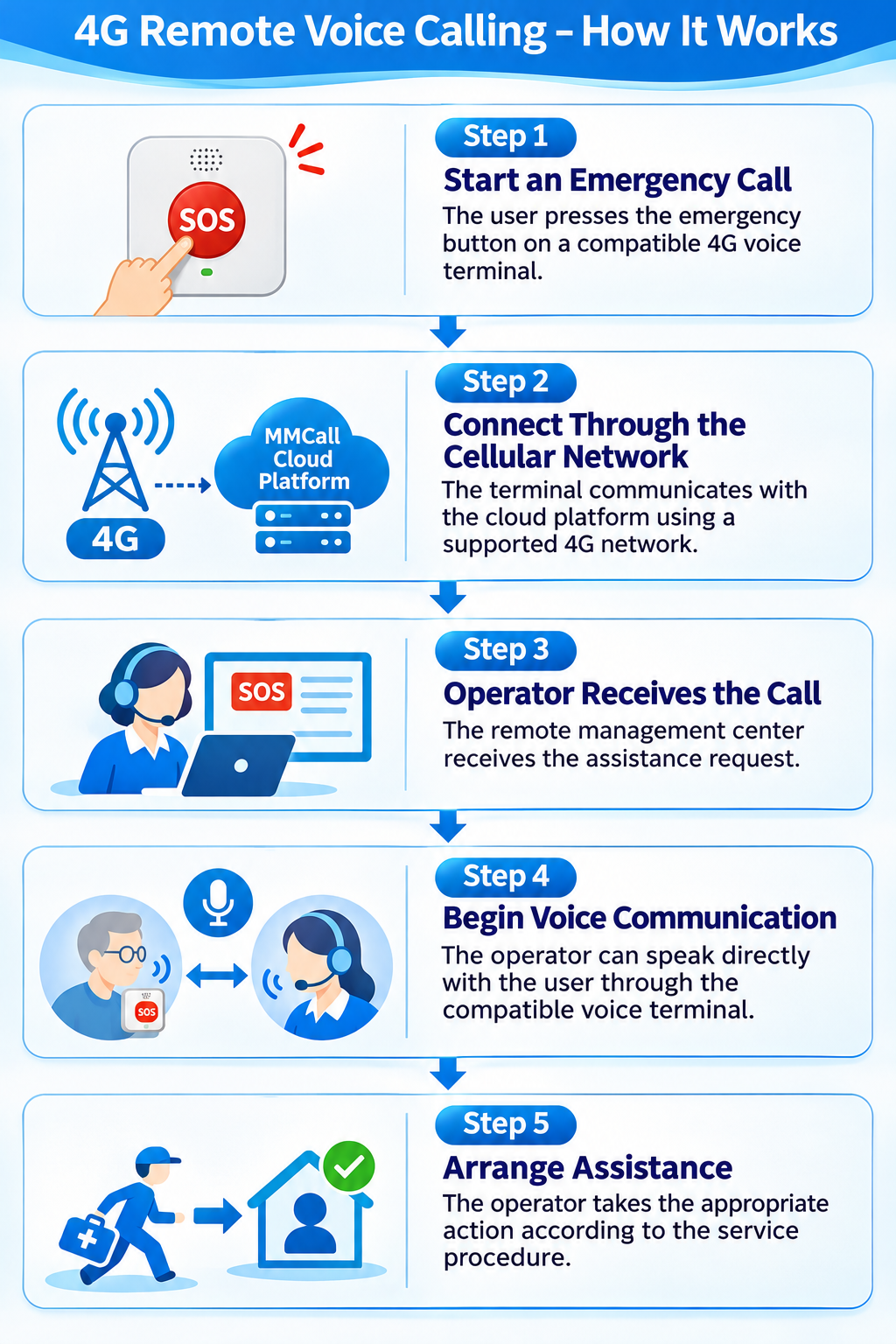
Send a Request from a Remote Location
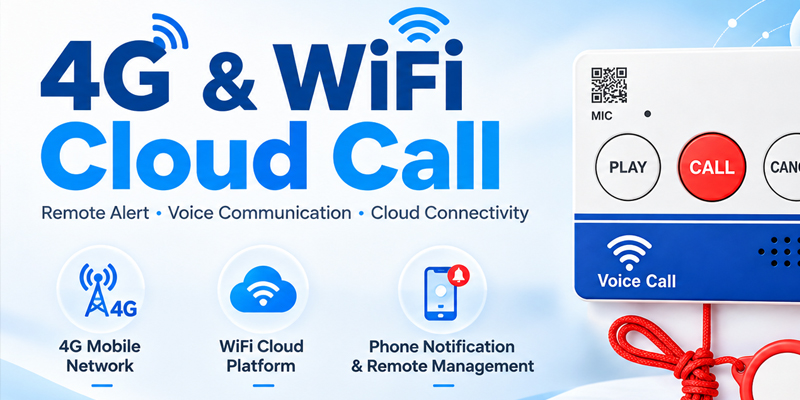
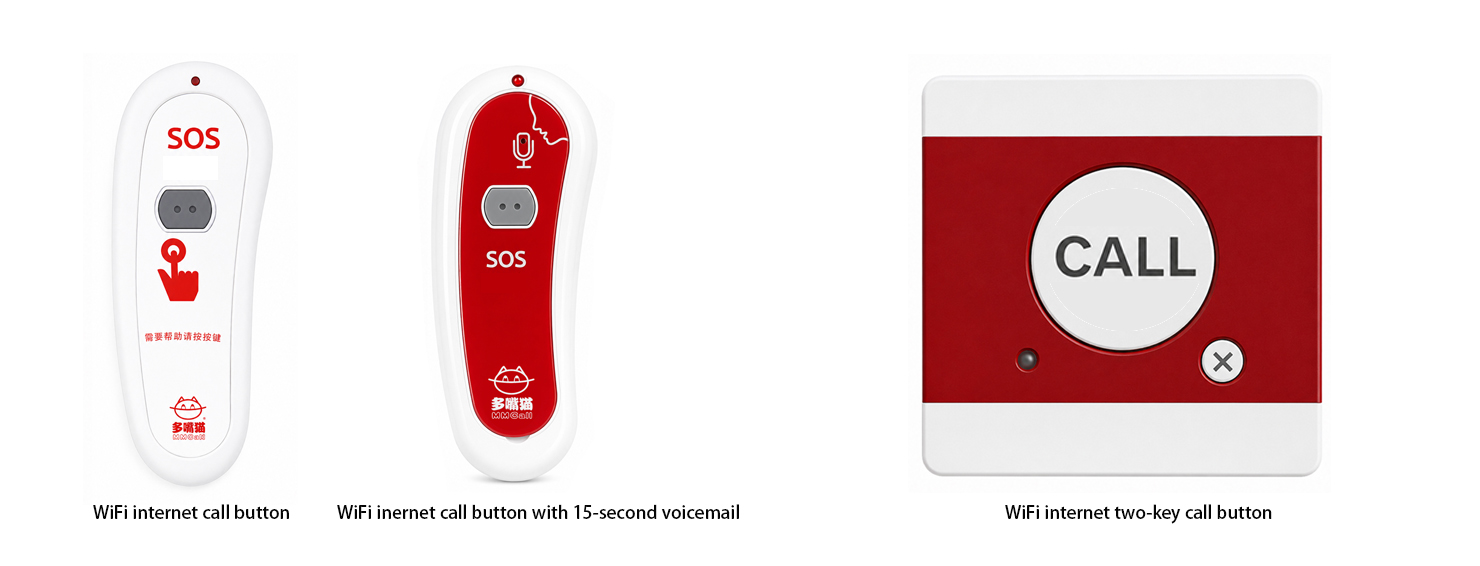
Compatible WiFi and 4G devices can send calling information through their supported network connections.
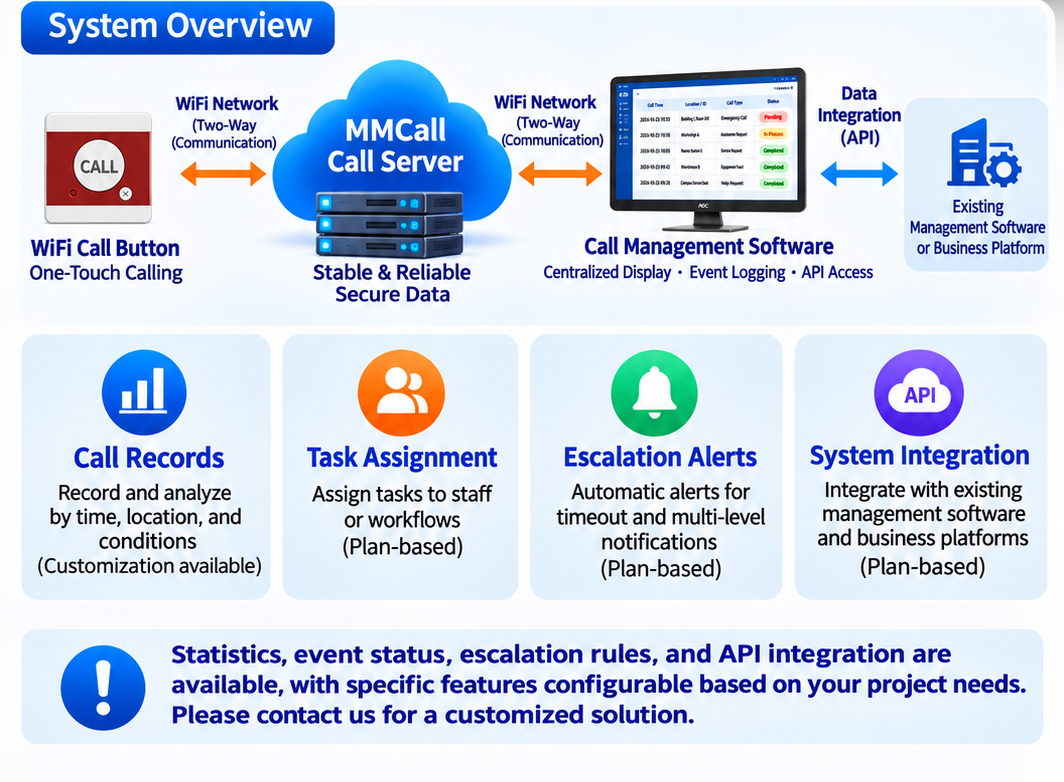
The cloud platform identifies the device and forwards the event to the configured receiving system.
This allows organizations to receive requests from different buildings or service locations without relying only on a local wireless receiver.
02. Two-Way Voice Communication
Talk Directly with the Person Requesting Help
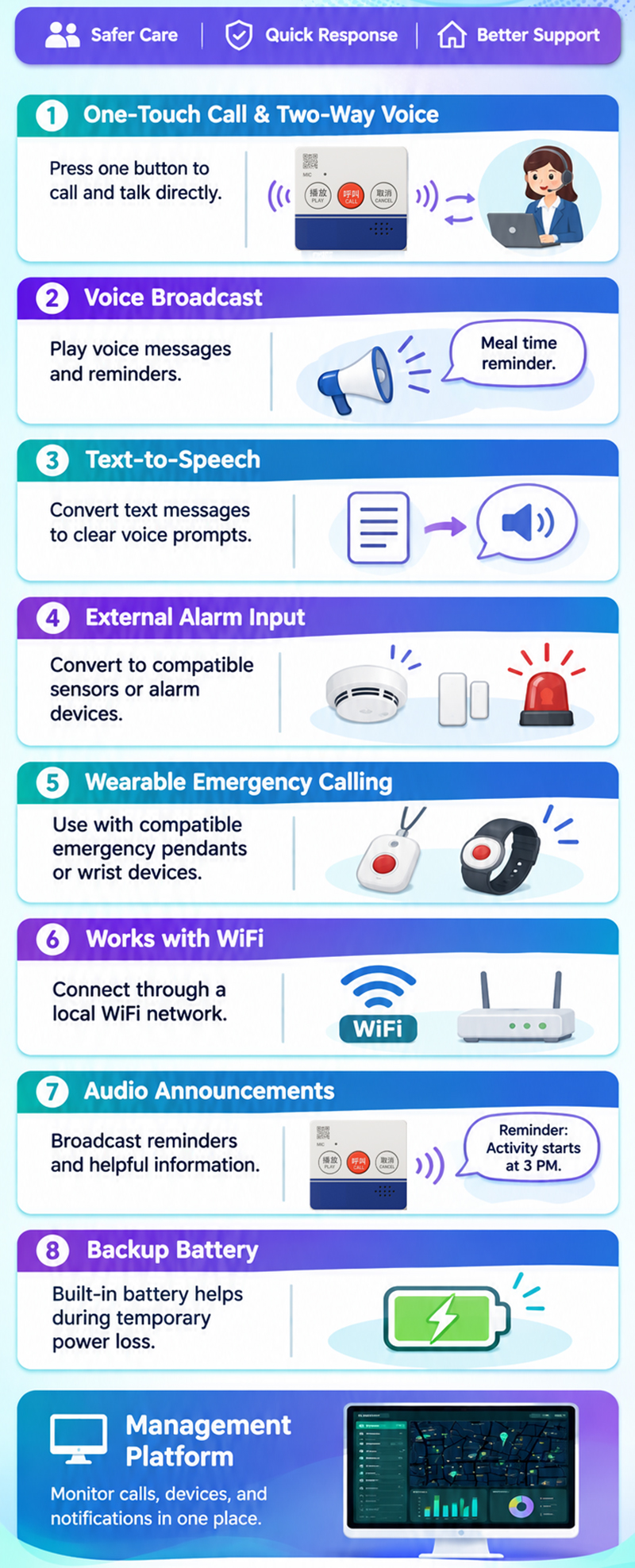
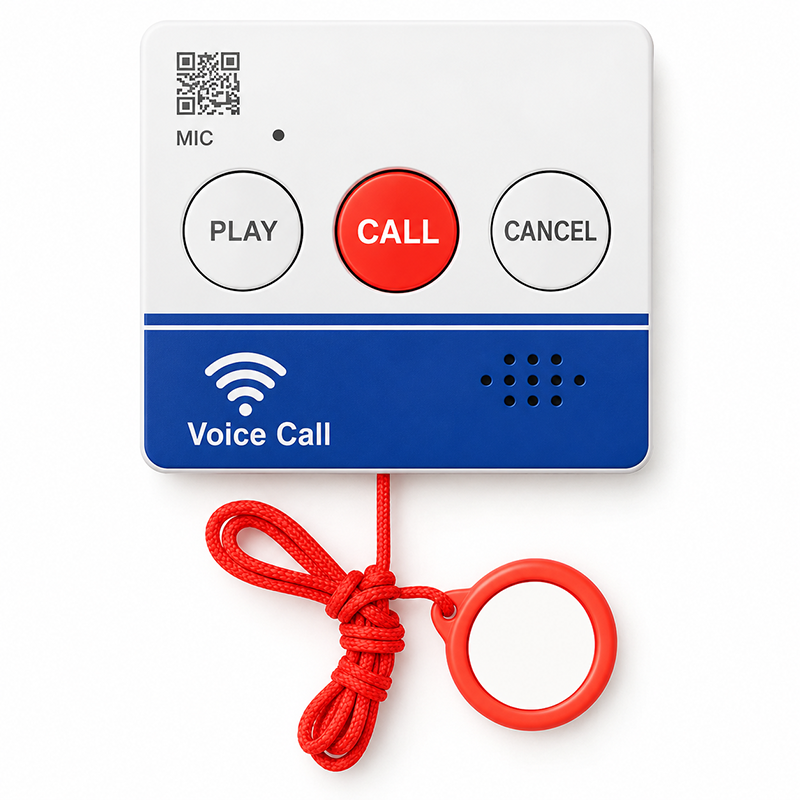
With a compatible 4G voice terminal, an operator can speak directly with the user.
This may help staff understand the situation before arranging assistance.
Two-way voice is a feature of supported voice terminals, not the standard WiFi Cloud Call Button.
03. Remote Voice Broadcasting
Send Spoken Messages and Reminders
Compatible voice terminals can receive remote voice announcements through the management platform.
Depending on the software configuration, operators may be able to send preset voice messages or schedule announcements.
Examples include:
- "Good morning. This is your daily reminder."
- "Please contact the care center."
- "Your scheduled activity will begin soon."
This feature is designed for supported voice-enabled devices.
04. Text-to-Speech Notifications
Turn Text into Spoken Messages
Selected system configurations support text-to-speech functions.
An operator can enter a message through the management platform, and the system can convert it into a voice announcement for a compatible terminal.
This is useful for routine reminders and service information.
Available languages and voice options depend on the selected software and hardware.
05. External Sensor & Alarm Integration
Connect Compatible Sensors to Cloud Notifications
Some applications require automatic notifications from equipment or environmental sensors.
Selected MMCall voice terminal configurations can connect to compatible external alarm inputs.
Examples of possible project applications include:
- Smoke detector notifications
- Water leak alerts
- Gas detector signals
- Temperature-related alerts
- Equipment status notifications
When a compatible sensor sends a signal, the configured device can forward the event to the management platform.
Sensor compatibility and supported functions must be confirmed for each project.
This is a supplementary notification function and does not replace required certified fire, gas, security, or life-safety systems.
06. Wearable Emergency Calling
An Additional Way to Request Assistance
For elderly care and remote assistance applications, compatible wireless wearable call devices can be paired with selected receiving terminals.
Users may initiate an assistance request through a wearable emergency button.
The receiving terminal then forwards the request through the supported network to the remote management platform.
Available wearable devices and pairing methods depend on the selected system.
07. Voice Message Replay
Repeat Important Announcements
Some compatible voice terminal configurations support replaying selected announcements.
This can be helpful when a user does not hear a message the first time.
Replay functions and message storage depend on the device and software version.
08. Backup Power Options
Support Operation During Short Power Interruptions
Selected 4G voice calling terminals include a built-in rechargeable backup battery.
The original MMCall voice terminal design provides a reference backup operating time of approximately 8–10 hours under specified conditions.
Actual operating time depends on the model, battery condition, network signal, use frequency, and other factors.
Backup power availability must be checked for each product model.
For WiFi calling devices, remote communication also depends on the WiFi router and internet equipment remaining operational.
09. Authorized Communication Settings
Control Who Can Contact Supported Voice Terminals
Selected 4G voice terminal configurations support authorized-caller or whitelist settings.
These functions can help restrict supported incoming communication to designated contacts or services.
Available access controls depend on the terminal and platform configuration.
10. Cloud Event Management
View Calling Events from Different Locations
With compatible management software, authorized staff can review cloud calling information through a central interface.
Supported functions may include:
- Device identification
- Calling location or registered address
- Call and alert event records
- Event status
- Historical information
- Device status monitoring
- Selected reports and statistics
For multi-site projects, registered device locations can also be organized within the management system.
Where supported, a map-based interface may display configured service locations.
One Platform for Remote Calls, Notifications, and Event Records.

 ↗