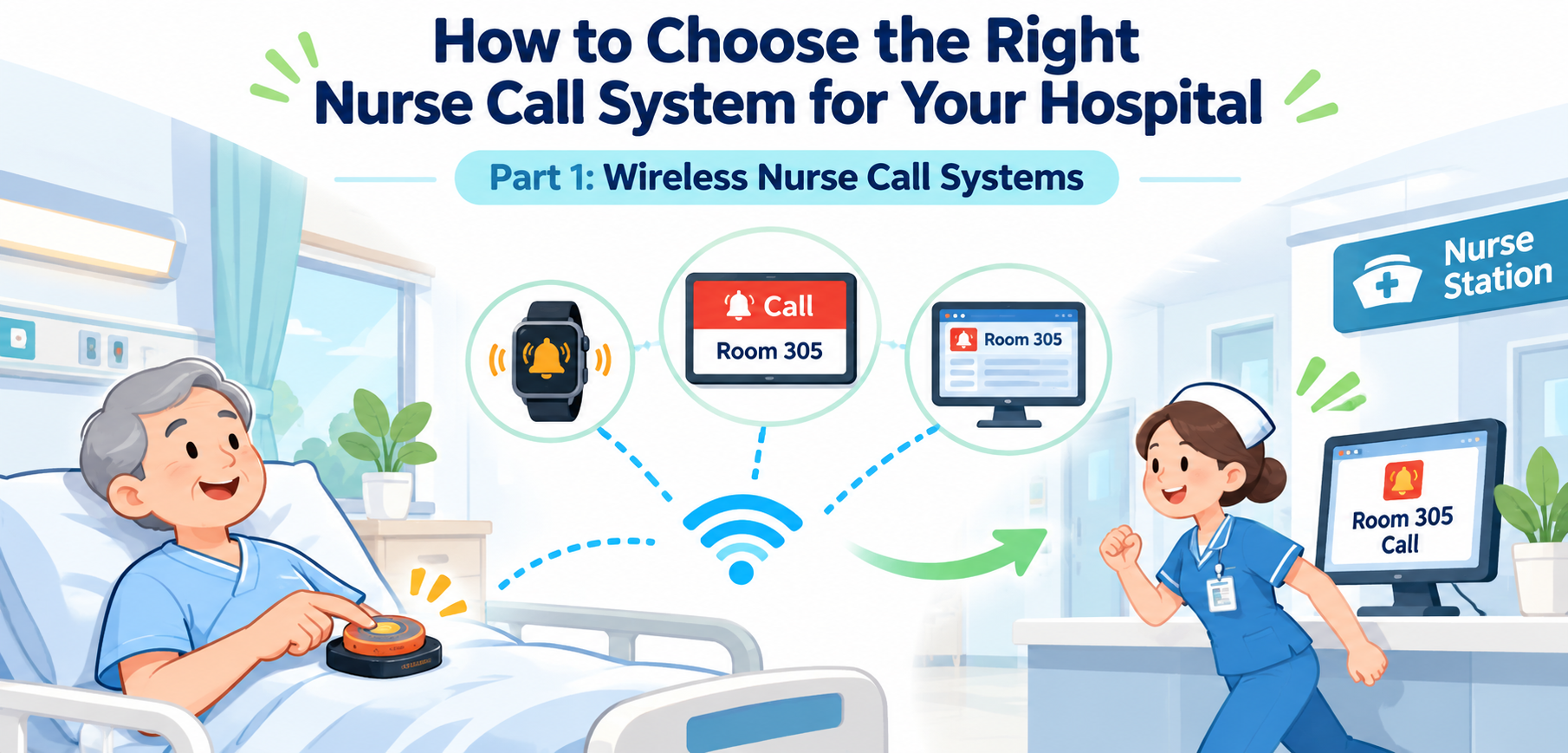
How to Choose the Right Nurse Call System for Your Hospital,Part2: Wireless Nurse Call Systems
Choosing a nurse call system for a hospital requires careful planning. This guide explains when FSK wireless nurse call systems are suitable, how to choose call buttons and receiving devices, when management software is needed, and why wireless coverage testing is important before installation.
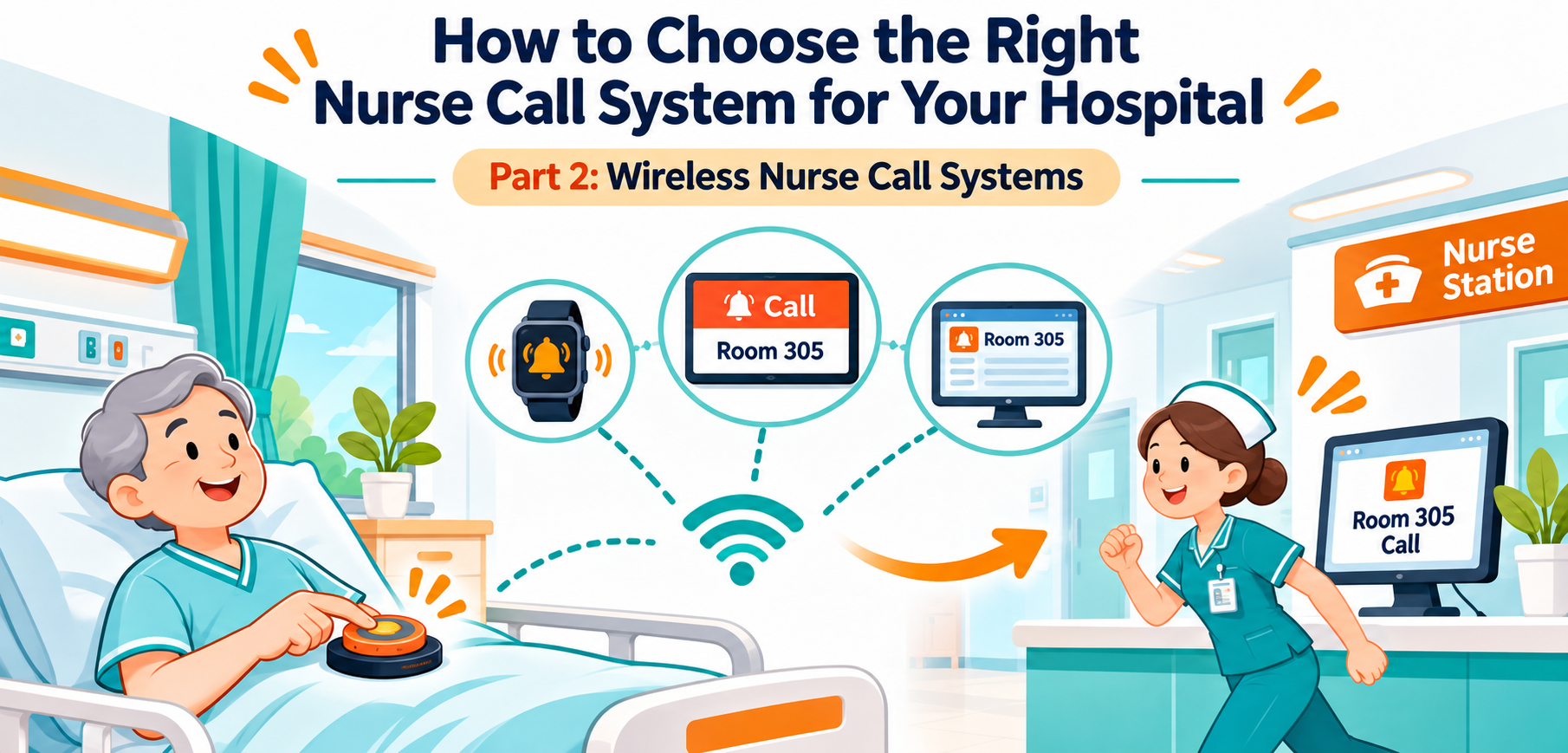
connectiong with the artical: How to Choose the Right Nurse Call System for Your Hospital,Part1: Wireless Nurse Call Systems.
4. Single-Button or Multi-Button Callers: Which Is Better?
Choose the Button Based on How You Want to Manage Calls
MMCall provides different wireless calling devices, including single-button and multi-button models.
The best choice depends on whether the hospital only needs to receive patient requests or also wants to manage the response process.
Option A — Single-Button Wireless Callers
Simple Patient Calling
A single-button device is suitable when the main requirement is to notify nursing staff that a patient needs assistance.
The patient presses the button, and the receiver displays the registered calling location.
For example:
Room 108 — Nurse Call
Single-button systems are practical for facilities that need straightforward assistance calling.
They are generally easier for patients to understand and operate.
Option B — Two-Button Wireless Callers
Calling with a Separate Confirmation or Cancel Function
A two-button caller may include:
- CALL
- CANCEL / CONFIRM
The first button sends the assistance request.
The second button can be used to confirm staff attendance or cancel the call, depending on the system setup.
This arrangement is useful when hospitals want to record more than the initial calling event.
For example, staff may press the confirmation button after reaching the patient's location.
The compatible software can then record the confirmation time.
Option C — Multi-Button Wireless Callers
Different Buttons for Different Requests
Multi-button callers allow facilities to assign different functions to different buttons.
Possible functions include nurse assistance, specific service requests, or call confirmation, depending on the device and software.
The button labels and functions should be easy to understand for the intended users.
An Important Recommendation
If your hospital only needs to know which patient is calling, a single-button device may be sufficient.
But if you want to use response-time management, staff arrival confirmation, automatic follow-up, or escalation management, MMCall recommends selecting a compatible FSK caller with two or more buttons, including a suitable confirmation or cancellation function.
This allows the management system to record and process additional events.
The receiver, controller, and software must also support these features.
5. Choosing the Right Receiving Devices
One Patient Call Can Reach Different Staff Locations
A wireless nurse call system does not have to use only one receiving device.
MMCall offers several compatible receiving options that can be selected separately or combined according to the hospital's needs.
LED Numeric Display Receivers
Simple and Easy-to-Read Call Numbers
A numeric LED receiver displays the registered room or bed number when a call is received.
This is a practical option for smaller nursing stations or facilities that only need basic call identification.
It is often a more economical receiving option than a larger management system.
LED Text Display Receivers
Display More Detailed Call Information
A compatible text display can show both the calling location and the request information.
For example:
Room 203 — Nurse Call
Text displays are useful when staff need more information than a simple number.
MMCall offers different display sizes and configurations. Compatible models can also provide voice announcements.
The available language and message format should be confirmed before ordering.
Wireless Staff Watch Pagers
Receive Calls While Moving Around the Ward
Nurses do not spend all their time at the nursing station.
They may be checking patient rooms, helping other patients, or working in nearby areas.
Compatible MMCall watch pagers allow staff to receive call information while moving around the facility.
Depending on the model and receiving system, messages can be received directly or through a compatible controller.
MMCall watch pagers can display up to three messages on one screen. Staff can change pages to review earlier calls.
Vibration alerts help users notice new messages.
Under normal use, battery life is typically around three to five days per charge, depending on calling frequency.
Water-resistant models can handle everyday splashes and handwashing, but should not be immersed in water.
Room Door Indicator Lights
Make Calls Visible Outside Patient Rooms
Door indicator lights provide a visual signal near the patient's room.
They can help staff identify rooms with active calls or other configured notification conditions.
The supported colors, call types, and cancellation behavior depend on the selected system.
Computer Management Software
Record and Review Call Activity
For hospitals that need call history, staff response records, or management functions, computer software can be added through a compatible receiving controller or gateway.
Software is especially useful when nursing managers want to review calling activity over time.
Can These Devices Be Used Together?
Yes, compatible receiving devices can be combined into one system.
For example:
Bedside Call Buttons → CA / CN Controller → Nursing Station Display + Watch Pagers + Computer Software
The best combination depends on the number of beds, staff working patterns, budget, and system requirements.
Always confirm the compatibility of the selected devices.
6. Do You Need Nurse Call Management Software?
From Receiving Calls to Managing Staff Responses
For a small facility, a display receiver may be enough.
But some hospitals want to understand what happens after a patient presses the call button.
For example:
When was the call made?
Which bed requested assistance?
When did a nurse reach the patient?
Did the request exceed the expected response time?
Was an unanswered call followed up?
These questions require more than a basic display receiver.
With compatible MMCall management software, hospitals can record call events and support selected response management functions.
Call Records
The software can record information such as:
- Call time
- Room or bed number
- Call category
- Confirmation time
- Call status
- Historical events
Response-Time Management
When the system uses a compatible caller with a confirmation button, staff can confirm their arrival at the patient's location.
The software records the original call time and the confirmation time.
For example:
10:15:00 — Patient presses CALL
10:17:20 — Nurse arrives and presses CONFIRM
The recorded interval is:
2 minutes 20 seconds
This gives nursing managers a way to review response activity.
However, the confirmation time represents the recorded staff action. It does not automatically prove that all patient needs were completed.
Overdue Call Records
A hospital may establish its own response-time targets according to the type of request and its internal procedures.
With compatible software, calls that exceed the configured time can be identified for review.
Automatic Follow-Up Calling
Some management configurations can send another notification when an earlier call has not received the required confirmation.
This helps staff notice requests that remain open.
Escalation Management
A compatible system can be configured to send selected unresolved events to additional staff or supervisors.
For example:
Patient Calls → Assigned Nurse Receives Alert → Follow-Up Notification → Supervisor Notification
The exact escalation rules, timing, receiving devices, and available features depend on the software and system configuration.
Is Management Software Necessary?
Not always.
If a hospital only needs simple calling and notification, a compatible display receiver may be sufficient.
If the hospital wants call records, response-time analysis, follow-up, or escalation management, suitable software and multi-button callers should be included in the initial system design.
7. Wireless Signal Coverage: What Must Be Checked Before Buying?
A Wireless System Is Only Useful When Calls Reach the Right Receivers
This is one of the most important parts of selecting a wireless nurse call system.
A hospital may have only 30 rooms but still present difficult wireless conditions.
Another hospital with more rooms may have a simpler layout and better coverage.
The number of beds alone does not determine the wireless equipment required.
Building Size
Larger buildings generally require more careful planning of receiver locations.
A single receiver may not be suitable for every corridor or ward.
Thick Walls
Concrete walls, reinforced structures, metal panels, and certain building materials can reduce radio signal strength.
A wireless device that works well in an open room may behave differently behind several thick walls.
Multiple Walls and Corridors
Signals may need to pass through several rooms and corridors before reaching the nursing station.
Each part of the signal path can affect reception.
Multiple Floors
A system covering several floors should not be planned based only on the distance shown in a product specification.
Floor structures, stairwells, equipment rooms, and the position of receivers can affect coverage.
Complex Building Layouts
Hospitals may contain:
- Long corridors
- Separate wings
- Multiple nursing stations
- Elevator areas
- Equipment rooms
- Reinforced concrete walls
- Metal doors
- Underground areas
These features can create areas where receiving conditions are different from the rest of the building.
Wireless Interference
Hospitals also use many electronic and wireless devices.
A signal survey should consider existing radio equipment and other sources of interference.
Why Published Wireless Range Is Not Enough
A product's advertised wireless range is often measured under specific conditions.
Real hospital buildings may produce much shorter effective distances.
For this reason, do not design a hospital installation using only a published open-area range.
The practical approach is to test wireless coverage in the actual building before confirming the equipment list.
8. How to Plan Wireless Coverage for a Hospital
Estimate the Equipment, Then Test the Site
Before purchasing a wireless nurse call system, prepare a basic floor plan showing the rooms, beds, corridors, and receiving locations.
This will help the supplier or system integrator recommend an initial configuration.
Step 1 — Count the Calling Points
List all locations where a patient or staff member may need to initiate a call.
For example:
- Patient beds
- Patient bathrooms
- Treatment rooms
- Rehabilitation rooms
- Other designated assistance points
Do not count only the number of rooms.
A room with four beds may need four separate bedside calling points.
Step 2 — Identify the Receiving Locations
Decide where staff need to receive notifications.
Possible locations include:
- Main nursing station
- Secondary nursing station
- Ward corridors
- Staff duty rooms
- Mobile staff receiving devices
Step 3 — Mark Difficult Coverage Areas
Use the building plan to identify thick walls, separated wings, distant rooms, and floors that may need additional equipment.
Step 4 — Choose Initial CA / CN Controller Locations
MMCall offers compatible CA and CN controllers for selected wireless calling systems.
Their number and placement should be based on device capacity, supported functions, receiving requirements, and site coverage.
A hospital with several wards may require more than one controller.
Step 5 — Determine Whether Signal Repeaters Are Needed
For areas where calls cannot reliably reach the planned receiving system, compatible call-signal repeaters may be considered.
Repeaters can help extend wireless calling coverage, but their number and installation positions must be tested.
Step 6 — Evaluate Controller-Side Signal Extension
Some larger configurations may require additional equipment to extend or improve communication associated with the receiving controller.
Where supported, a controller-side signal amplifier or transmitter extension can be evaluated as part of the system design.
This is different from simply adding more patient call buttons.
Step 7 — Test Actual Wireless Performance
Test calls from the intended installation points.
Include distant rooms, bathrooms, building corners, and other difficult locations.
Check that the information reaches all required receiving devices.
A Practical Example
Consider a hospital with two floors, several long corridors, and two nursing stations.
A basic plan may begin with a CA or CN controller at each nursing station and a group of bedside call buttons on each floor.
After testing, the installation team may find that some distant rooms cannot communicate reliably with the planned receivers.
In that case, the configuration may need additional repeaters, different controller positions, or other compatible coverage equipment.
The final configuration should be based on test results rather than room count alone.
Signal testing should be part of the buying process, not something considered only after installation.
9. How Long Does Wireless Nurse Call Installation Take?
Less Communication Cabling Can Mean a Shorter Installation Process
One of the main advantages of wireless nurse call systems is that bedside communication cables are generally not required for compatible wireless buttons.
This can reduce the amount of construction work in existing buildings.
For a small or medium-sized facility with straightforward coverage conditions, basic installation and commissioning may sometimes be completed within approximately one to two days after planning and preparation.
However, the total installation time depends on the actual project.
Typical Installation Steps
1. Review the Floor Plan
Confirm the number of rooms, beds, calling points, receiving devices, and system functions.
2. Perform Wireless Coverage Testing
Check signal performance and decide where receivers or repeaters should be installed.
3. Install Patient Calling Devices
Mount compatible bedside and bathroom call devices in the selected positions.
4. Install Receiving Equipment
Position the CA / CN controllers, LED displays, door lights, and any required signal extension devices.
5. Register and Configure Devices
Assign room numbers, bed numbers, call categories, and receiving relationships.
6. Configure Software
If management software is included, configure the supported calling records, response rules, and other selected functions.
7. Test All Calling Points
Press every installed call button and verify that the correct location and message appear on the designated receiving devices.
8. Train Nursing Staff
Explain how to receive, confirm, clear, and manage calls.
Also explain what staff should do if a device or communication link fails.
Final System Testing
Before the system is placed into service, the facility should check normal calls, any required priority or emergency functions, cancellation behavior, power loss behavior, device monitoring, and receiving-device operation.
Commissioning and acceptance requirements may differ according to the country and type of healthcare facility.
10. How Much Does a Wireless Nurse Call System Cost?
Compare the Complete Project, Not Just the Price of a Button
Many buyers first compare the cost of individual bedside call buttons.
However, the cost of a complete system includes more than the transmitters.
A project may require:
- Patient calling devices
- Bathroom emergency devices
- CA / CN controllers
- LED receiving screens
- Staff watch pagers
- Room indicator lights
- Wireless signal repeaters
- Software and computer equipment
- Installation and testing
- Maintenance and replacement batteries
Why Wireless Can Be More Economical
In suitable renovation projects, wireless calling may reduce costs related to installing dedicated communication cables and repairing walls or ceilings.
The system can also allow compatible calling points to be added later without redesigning all the existing wiring.
When Costs May Increase
A large building with thick walls, multiple floors, or separated wards may require more receivers or repeaters.
Adding management software, multiple receiving screens, and staff pagers will also increase the system price.
The Best Way to Request a Quote
Instead of asking only for the price per call button, send the supplier a simple list showing:
- Number of beds
- Number of bathrooms
- Building floors
- Nursing station locations
- Required receiving devices
- Whether software is needed
- Whether response-time management is required
- Whether voice communication is required
This will help the supplier prepare a more useful system proposal.
11. Can You Expand the System Later?
Plan for Future Beds and Additional Wards
Hospitals change over time.
They may add new patient rooms, expand a ward, or move receiving equipment to another location.
A compatible wireless nurse call system can often be expanded by adding registered calling devices or selected receiving equipment.
For example, a hospital may begin with 20 beds and later increase to 30.
If the existing controller has sufficient supported capacity and the additional beds are within suitable wireless coverage, expansion may be relatively straightforward.
However, adding a new floor or distant building can require further coverage testing and additional receiving equipment.
Before buying, ask the supplier:
What is the maximum supported number of calling devices?
Can more receiving displays be added?
Can staff watch pagers be added later?
Can the system support additional CA / CN controllers?
Can management software be added after the basic system is installed?
Will existing call buttons support the planned future software functions?
The last question is particularly important.
If future response-time tracking is planned, selecting suitable multi-button callers at the beginning may avoid replacing basic single-button devices later.
12. Important Safety and Compliance Considerations
Wireless Convenience Does Not Replace Healthcare System Requirements
Nurse call systems are used in environments where reliable communication is important.
Hospitals should not choose equipment based only on price or ease of installation.
Before buying, the facility and its qualified project team should confirm the requirements that apply in the country and healthcare setting.
Hospital Standards and Approvals
In the United States, requirements for fundamental hospital nurse call systems may involve standards such as UL 1069 and applicable healthcare facility codes.
Other countries may have different standards, certification requirements, and installation rules.
A basic wireless notification system should not automatically be treated as an approved replacement for a hospital's required nurse call system.
The intended application, required call functions, product certifications, and acceptance process must be verified.
Wireless Radio Regulations
Different countries permit different radio frequencies and transmitter requirements.
Always confirm that the selected MMCall device version is suitable for the destination market.
Battery Maintenance
Battery-powered devices require a maintenance plan.
Facilities should know how to check battery condition, replace or recharge batteries, and identify devices that are not operating normally.
Power and Communication Failures
A wireless call system still depends on receiving equipment, controllers, and other powered devices.
Where required, suitable backup power, fault monitoring, and emergency procedures should be planned.
Staff Training
Nursing staff should understand how the system works and how to respond to calls.
A calling system supports communication but does not replace professional care procedures or required patient supervision.
13.Conclusion: Choose the System Around Your Hospital's Needs
Start with What Patients and Nurses Actually Need
There is no single nurse call system that is right for every hospital.
The best choice depends on patient communication needs, building conditions, required management functions, budget, installation time, and local regulations.
An FSK wireless nurse call system can be a practical option for small and medium-sized facilities, selected hospital renovations, and projects where installing dedicated bedside signal cables is difficult.
For simple calling, a single-button device with a suitable display or staff pager may be enough.
For hospitals that want call history, staff confirmation, response-time records, follow-up, or escalation management, compatible multi-button callers and software should be considered from the beginning.
Most importantly, wireless signal coverage must be evaluated before the final equipment configuration is confirmed.
Thick walls, multiple floors, long corridors, and complex building structures can affect the number of receivers, CA / CN controllers, and signal extension devices required.
At MMCall, we provide different wireless calling devices, receivers, displays, staff watch pagers, controllers, and software options to help customers build systems for their actual applications.
Need Help Choosing a Wireless Nurse Call System?
Tell us about your hospital's size, floor plan, number of beds, and communication needs.
Our team can help review suitable products and system configurations.