Call Button or Two-Way Intercom: Which Does Your Site Need?
Use the moment after a call arrives to decide whether staff need a location, a message or a conversation.
Start with the reply, not the button
Picture a visitor pressing a button at a service desk. If the person on duty only needs to know where to go, a numbered alert may be enough. Now picture a worker at a loading bay asking which delivery entrance to use. A location alone leaves the dispatcher guessing. A conversation may save an unnecessary walk.
Ask someone on each shift to describe a real call from start to finish. Write down what the caller knows, what the receiver must learn, and who takes responsibility for the next action. These answers are more useful than comparing the number of buttons on a specification sheet.
Choose the information staff must receive
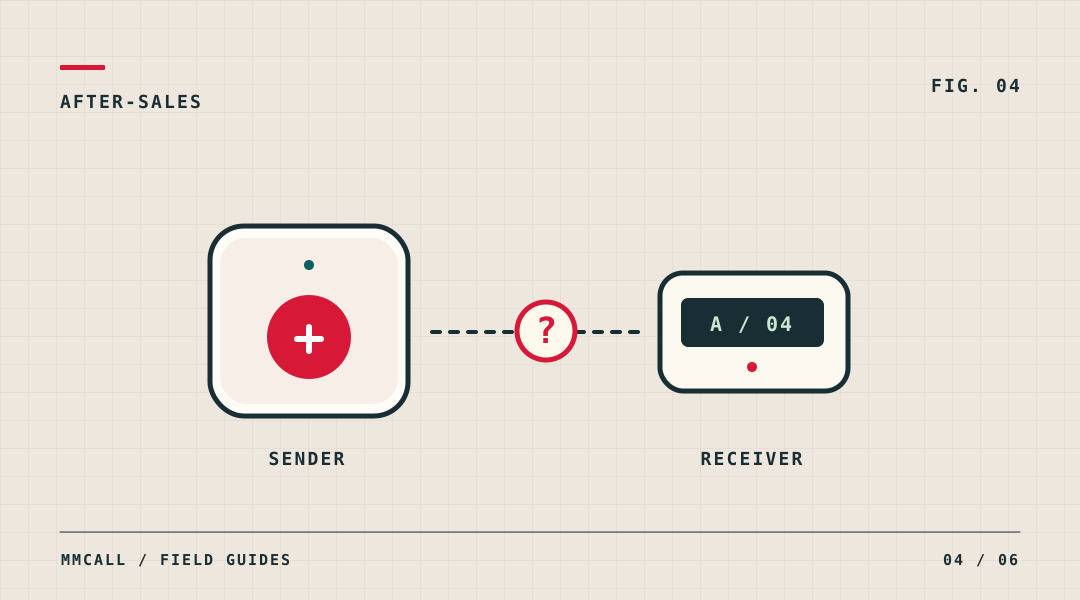
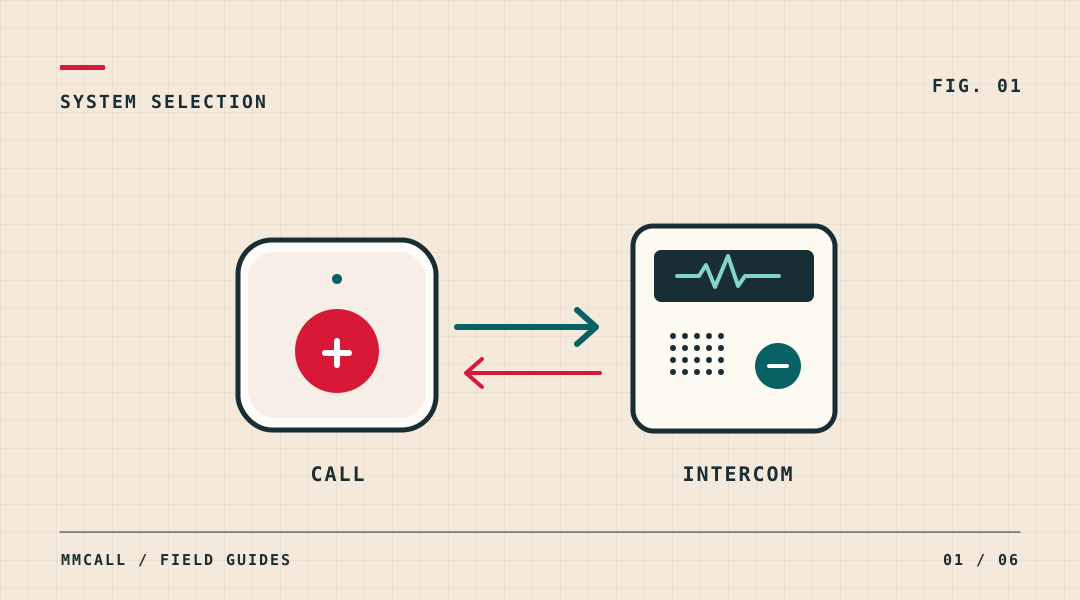
A wireless call button paired with a compatible pager or display can identify a location or a configured request. It suits a repeatable instruction such as “Table 12 needs service”. Two-way intercom makes sense when the answer changes what somebody does next. Some sites need both, in different locations. They need not be part of a single system unless that integration has been confirmed.
- Location only: send a known room, table or workstation identifier to the person covering that area.
- Location plus reason: choose a clearly labelled preset request if staff need to distinguish materials from maintenance.
- Conversation: test an actual exchange from both ends, using the intended equipment and the site's normal noise level.
Try the workflow in one representative area
Have one person send the request and another respond as they would on shift. A receiver that staff cannot read while moving, or a voice unit at which callers cannot easily reply, changes the choice. In a WiFi intercom trial, include the network owner and use the intended network. A successful test at a desk does not demonstrate operation in every installation position.
Include an awkward case: the usual recipient is away, two people call close together, or the caller needs to correct a request. Record whether the proposed workflow makes the next step clear.
Turn the result into a quotation brief
Give the supplier a short list of locations, call types, intended recipients, and any need for speech in either direction. Attach a marked floor plan and the trial notes. Ask for the exact sender, receiver and network combination proposed for each area. That gives a distributor something specific to demonstrate and a customer something meaningful to accept.