A Pager Missed a Call. What Should You Check First?
Separate a receiver, call point or location problem before replacing hardware or changing the configuration.
Capture the missed call before changing anything
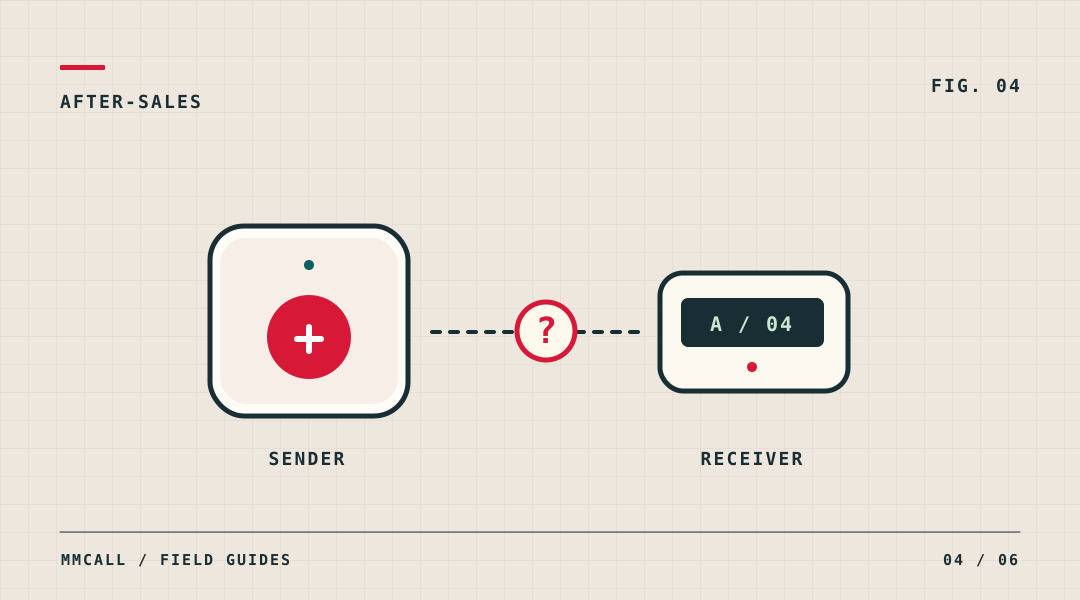
Ask which call point was pressed, which pager should have received it, where the pager was at the time, and what the user actually observed. “No vibration” and “nothing appeared on the display” are different reports. Ask whether another assigned display or pager saw the same request. Record the approximate time and any change of shift, equipment or layout.
If the site relies on the device for time-sensitive requests, tell the local operator about the gap and agree on their alternative contact method while testing. Do not quietly remove a working receiver from another team.
Prove one known working combination
Pick a test call point and receiver already known to work together. At an agreed test time, confirm they still produce the expected label nearby. Check power, charge or battery condition using the applicable model instructions. On the affected pager, check visible indications and the configured alert mode, if available. A muted alert can look like a lost call to the wearer.
Have the installer compare the affected call point's identifier and assigned receiver group with the site register. Keep a copy of the settings before changing them. Avoid a factory reset as a first diagnostic step; it can discard the mapping you are trying to verify.
Swap one part at a time
Use compatible, correctly assigned test devices and repeat the same short test after each change. These comparisons narrow the question; they do not, on their own, prove the cause.
- If several senders reach the normal receiver but none reach the affected pager nearby, investigate that pager and its settings first.
- If other senders work but one call point reaches neither assigned receiver, check that point's configuration and power.
- If the same sender and receiver work nearby but fail at one operating position, repeat a coverage test there before replacing hardware.
Send support a reproducible case
Report the exact models and device labels, what was expected, what happened, how many attempts were made and which comparison worked. Include a floor-plan mark and a photo of relevant settings if appropriate, without customer or resident details. After a change is agreed, repeat the original failing case and a previously working one. Ask the operator to confirm the result before closing the issue.