How to Test Wireless Call Coverage on Your Actual Site
Build a repeatable route and record what the receiver gets, not just what the transmitter indicates.
Define a pass before walking the route
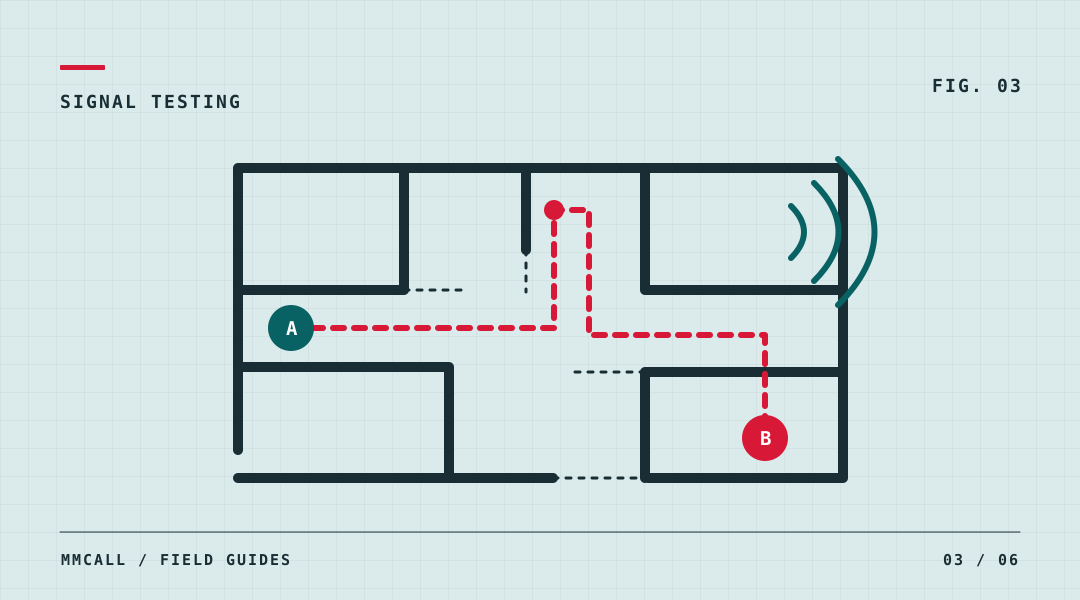
Write down what success means for this project. For a pager, it might mean the correct workstation appears on the assigned receiver within a time agreed with the customer. For intercom, include a reply that people at both ends can understand. A light on a transmitter is an observation at the sender; it does not by itself establish that the intended receiver displayed the call.
Choose equipment, settings and positions representative of the planned installation. Record the sending unit, target receiver and test configuration so that somebody else can repeat the walk.
Build a route around normal operation
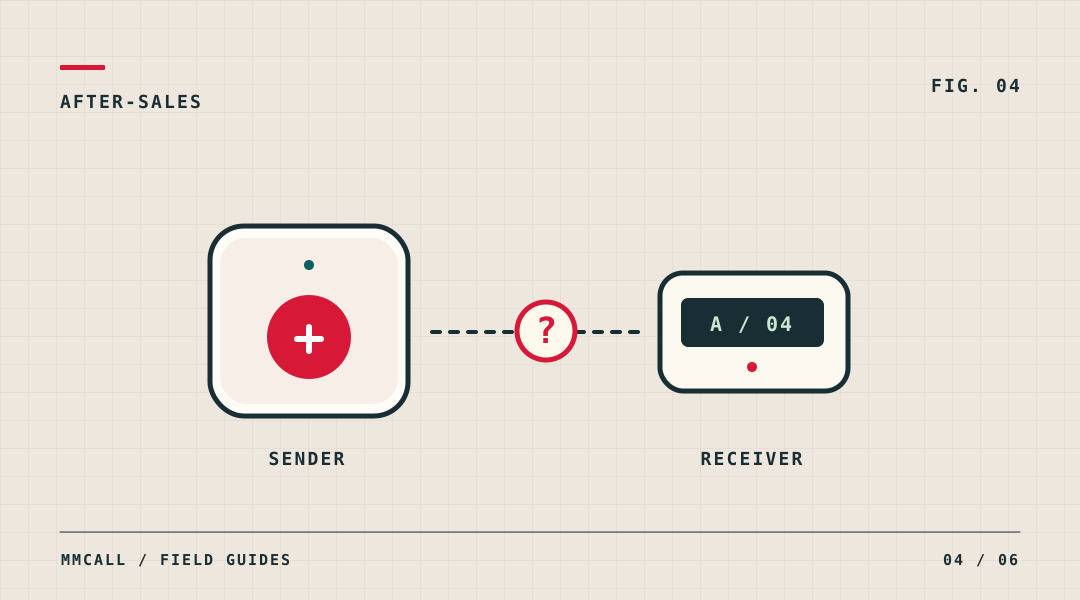
Mark the receiver's usual desk, the far end of each relevant corridor, turns, doors and transfer points between working areas. Include places people actually occupy, not just spots where it is convenient to stand. If a pager is normally worn, have the tester wear it in the usual position. On intercom trials, check both directions from the locations where people will speak.
Make a close-range baseline call first. Then visit each point in a fixed order, run the same agreed number of calls per point, and allow the device to return to its normal ready state between calls. Repeat under representative site conditions where practical.
Log each result, including the awkward ones
Give each attempted call a sequence number so a late arrival is not mistaken for the next attempt. One person records the send action and another confirms the observed result. Use the same time reference if comparing delay.
- Record point ID, time, sender, receiver, expected indication and actual indication.
- Note door state, receiver position and unusual activity that could help reproduce the outcome.
- Example entry: P07, door closed, five calls attempted; four identified P07, one had no observed alert. Leave this point open for retest.
Change one thing, then rerun the same test
When a location fails, repeat the baseline with the same equipment before changing the installation. Try one approved adjustment at a time, such as moving the receiver to another proposed position, and record exactly what changed. Repeat the affected points and at least one point that previously passed. Hand over the marked plan, the agreed acceptance criteria and the exceptions. Treat the results as evidence for this installation under these conditions, not a universal range specification.